You haven't signed in yet, you can have a better experience after signing in
*Please complete the payment within {{receiveCouponInfo.expire_at}}Previous use*
You haven't signed in yet, you can have a better experience after signing in



Activity Rules
1、Activity time:{{ info.groupon.start_at }} ~ {{ info.groupon.end_at }}。
1、Activity time:cease when sold out。
2、Validity period of the Group Buying:{{ info.groupon.expire_days * 24 }} hours。
3、Number of Group Buying:{{ info.groupon.need_count }}x。
Please Pay Attention
1、Teamwork process: Join/initiate a Group Buying and make a successful payment - Within the validity period, the number of team members meets the activity requirements - Group Buying succeeded!
2、If the number of participants cannot be met within the valid period, the group will fail, and the paid amount will be refunded in the original way.
3、The number of people required and the time of the event may vary among different products. Please pay attention to the rules of the event.
Voxal real-time voice transformer tool software
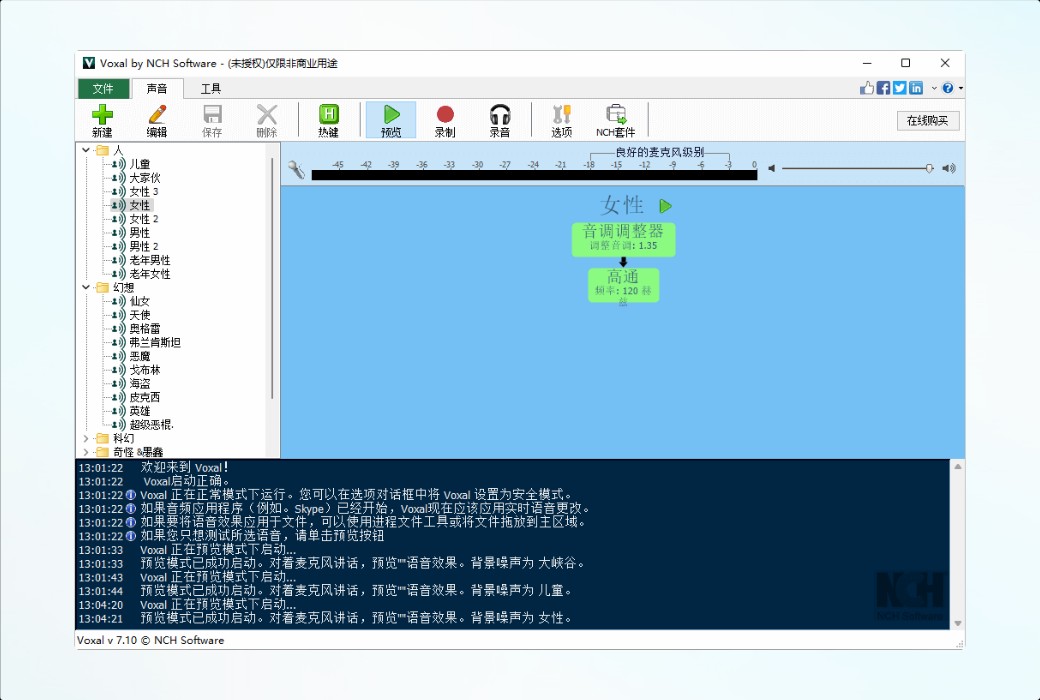
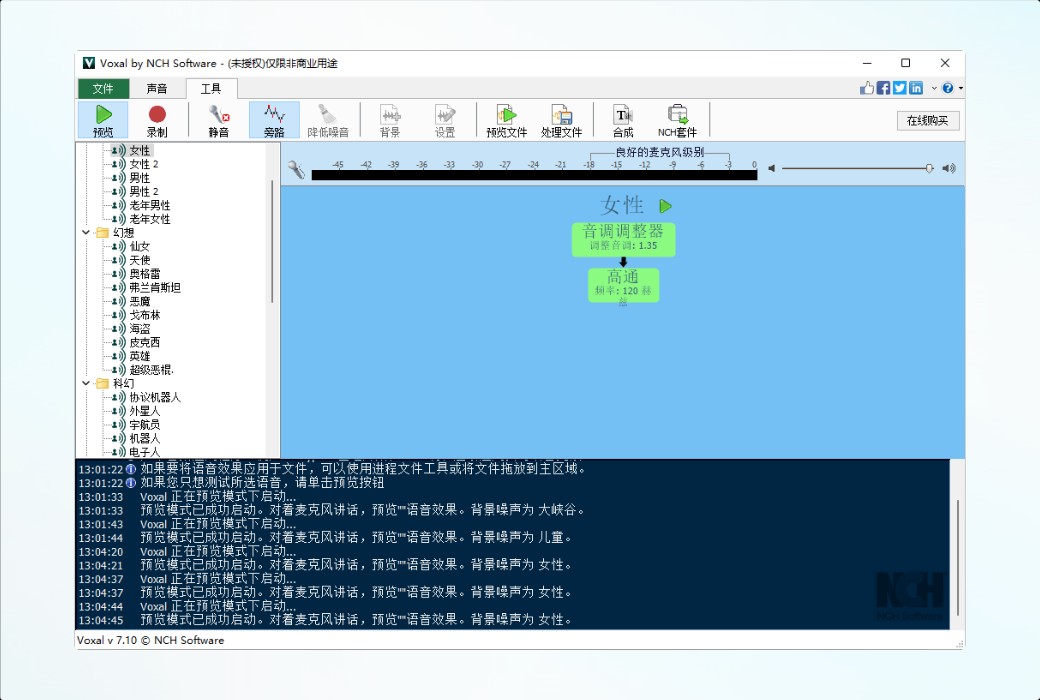
Voxal can be used to add creative sound modifications in any program that uses a microphone, including recording, video recording, gaming, chat programs, and more. The rich sound effects library includes a massive selection of sound changing options for children's voices, men's voices, elderly voices, aliens, robots, and more, which can be used infinitely.
Add creative voice to online videos, game recordings, and podcasts, including voice changes for anime, audiobooks, and video dubbing production.
Voxal works in the background, capturing voice and changing the sound before sending it to the application, so there is no need to change the settings of executing the application itself, such as recording and chatting applications. After installing Voxal, anyone can easily start changing their voice.
Voice conversion function
Used for any voice program including gaming and chatting
Programs commonly used in conjunction with Voxal
Official Website:https://www.nchsoftware.com/voicechanger/cn/index.html
Download Center:https://voxal.apsgo.cn
Delivery Time: Automatic delivery within 24 hours
Operating Platform: Windows, macOS
Interface Language: Supports Chinese interface display, with multiple languages available.
Update Instructions: After purchase, upgrades and updates are supported for 6 months.
Trial Before Purchase: Free trial available before purchase.
How to Receive Your Order: After purchase, activation information will be sent to the email used for placing the order. You can also view the corresponding product activation code in your personal center, under "My Orders".
Number of Devices: Depends on the purchased version.
Changing Computers: Uninstall on the original computer and activate on the new one.
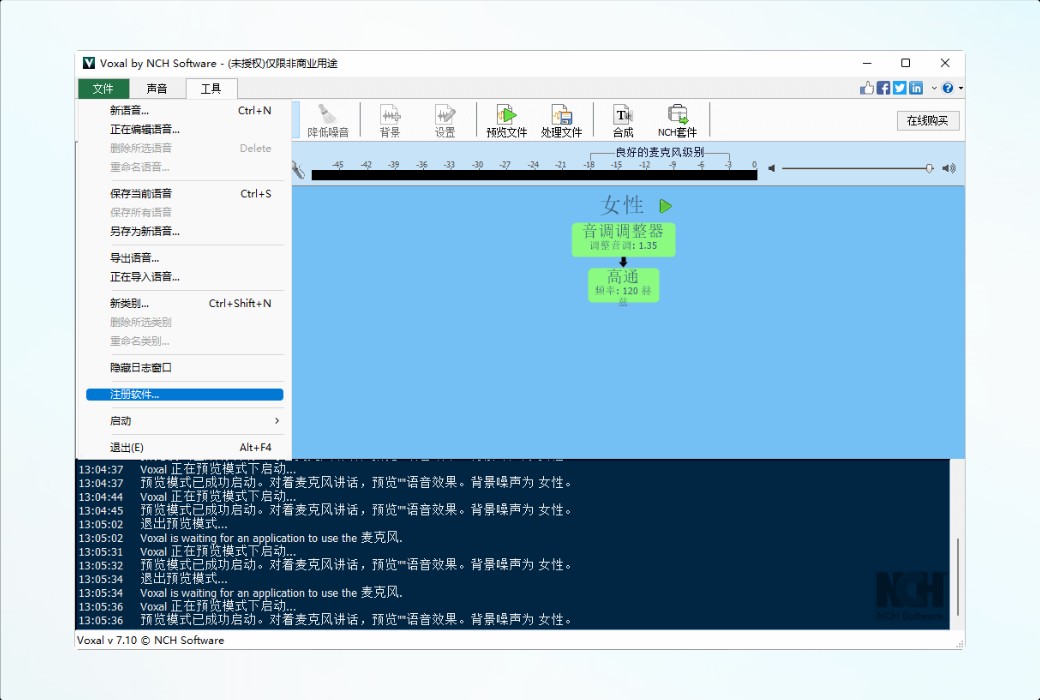
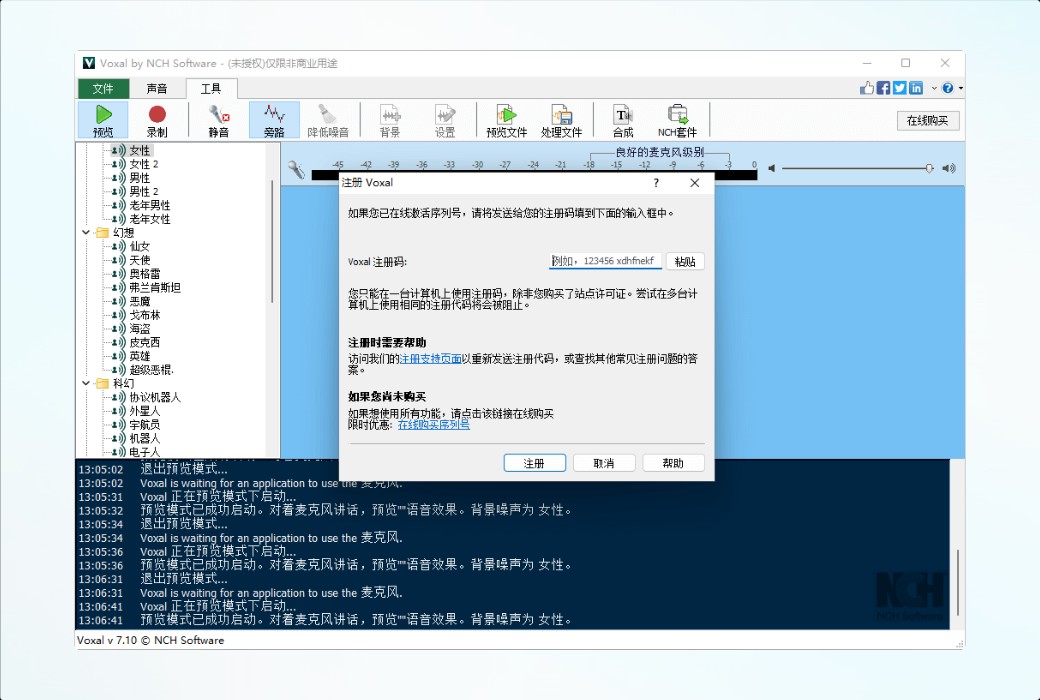
Activation Guide: File -> Register Software
Special Instructions: To be added.
References:https://www.nch.com.au/support/cn/reg.html

Any question